
Time: about 8 minutes. Result: you can find a pesticide, read its registration detail, and read the MOA map.
Time: about 8 minutes. Result: you can find a pesticide, read its registration detail, and read the MOA map.
This module is open to everyone. You do not need an account to search pesticides, open product details, or read the MOA index and map.
| Step | What you do | Where |
|---|---|---|
| 1 | Search for a product | /search |
| 2 | Filter and pick a view | /search |
| 3 | Open the pesticide detail | Product detail page |
| 4 | Add products to the Map and read MOA | /map |
/search.One search scans every field: trade name, crop, pest, and active ingredient. You never have to choose a field first.
| What you know | Example to type |
|---|---|
| Product name | abate, abamec |
| Crop | padi, sawit, cili |
| Pest or disease | ulat, siput gondang, rumput |
| Active ingredient | glyphosate, abamectin |
| MOA code | 4A, 3A, 9 |
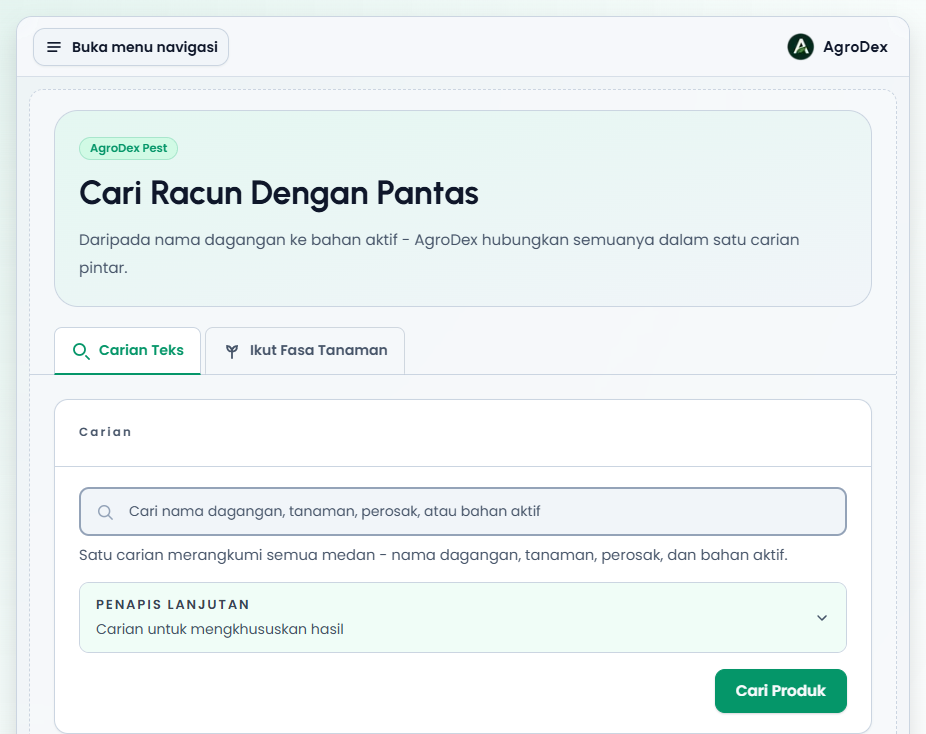
Phone view:
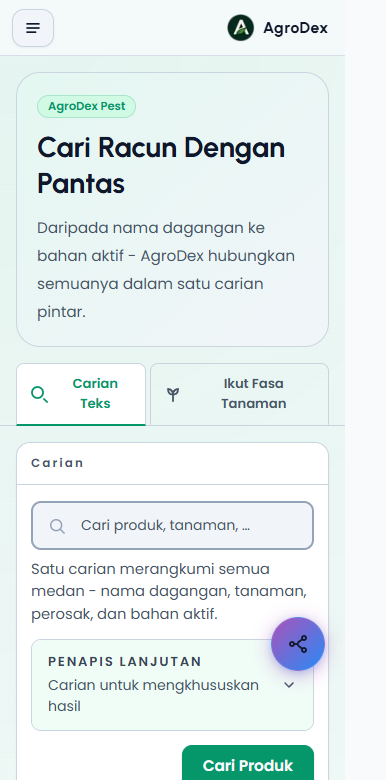
Press Cari Produk without typing anything to browse the whole archive. The full list is paged, so use the buttons below the results to move between pages.
If a search returns nothing, clear the active filters or try a shorter keyword. For example, type abamectin on its own instead of a full trade name.
After your first search, a filter bar appears under the search form. It classifies the archive by usage type: Semua (All), HERBICIDE, INSECTICIDE, TECHNICAL, FUNGICIDE, and HOUSEHOLD (REPELLANT). Each category shows its record count.
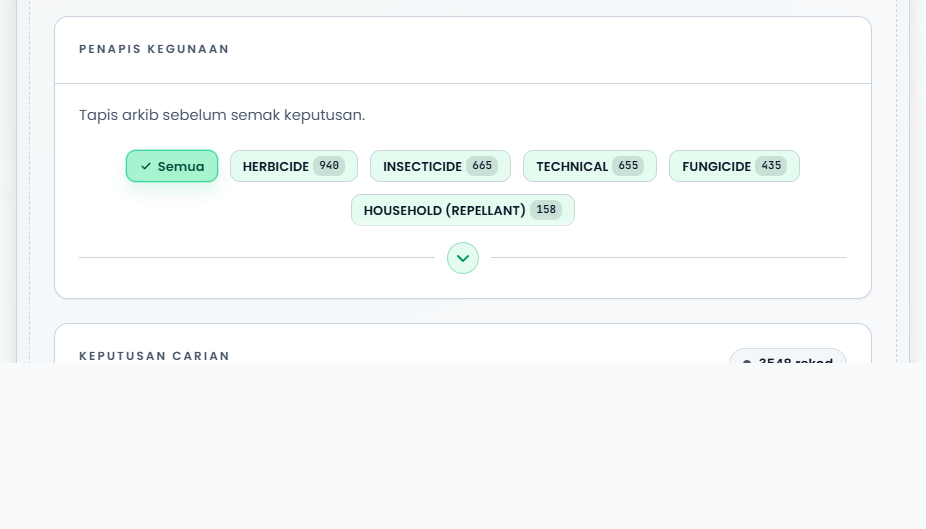
Press a category to narrow the results. Press Semua to go back to the full archive.
Inside the search form, the Penapis Lanjutan panel hides one extra field: Kod MOA. Fill in a code such as 4A or M1 if you only want products from a specific mode of action group.
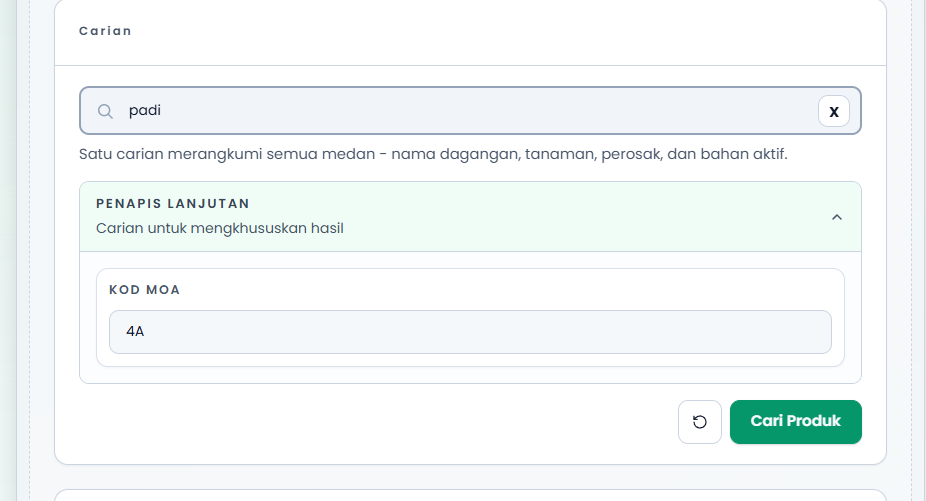
The round button next to Cari Produk clears every filter and the keyword in one go.
| View | Best for | Notes |
|---|---|---|
| Kad | Quick scanning | Each card shows the trade name, LRMP, MOA code, active ingredient, company, and its crops and pests |
| Jadual | Comparing many products | One product per row, with column choices |
| Kumpulan | Seeing products by crop and pest | Products are grouped under each crop and pest pair |
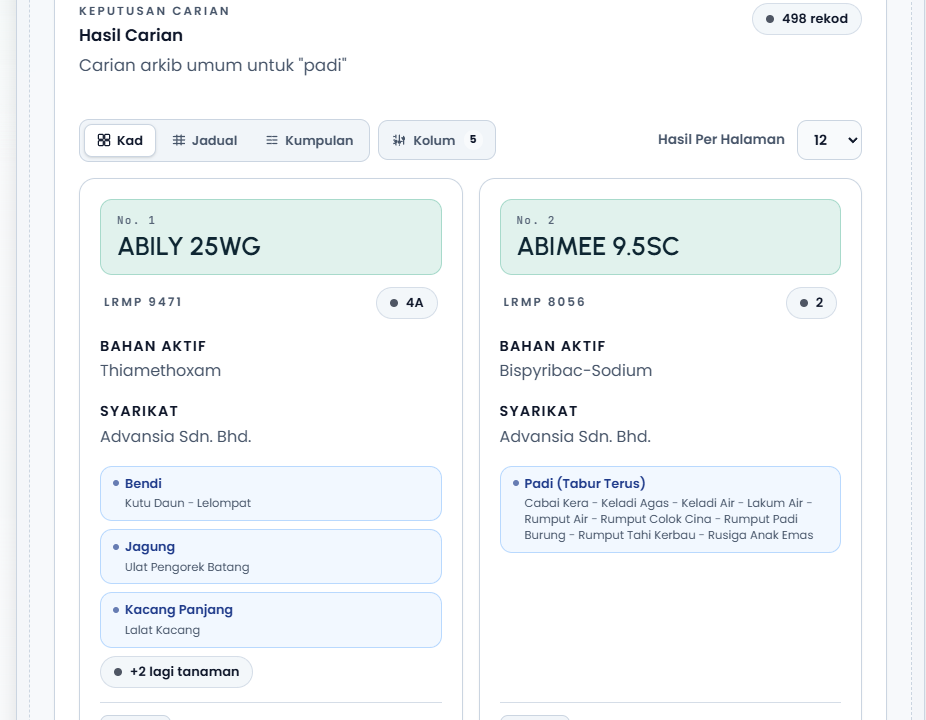
The Jadual view shows LRMP, active ingredient, company, MOA code, and crop/pest columns. On a phone or a narrow screen the table scrolls sideways. The Kolum button lets you hide fields you do not need.
The Kumpulan view splits results into crop and pest groups. Use Tapis tanaman to narrow the groups on screen, or Tambah tanaman to select several crops at once.
On any card or table row, press Lihat butiran pendaftaran. The detail page shows:
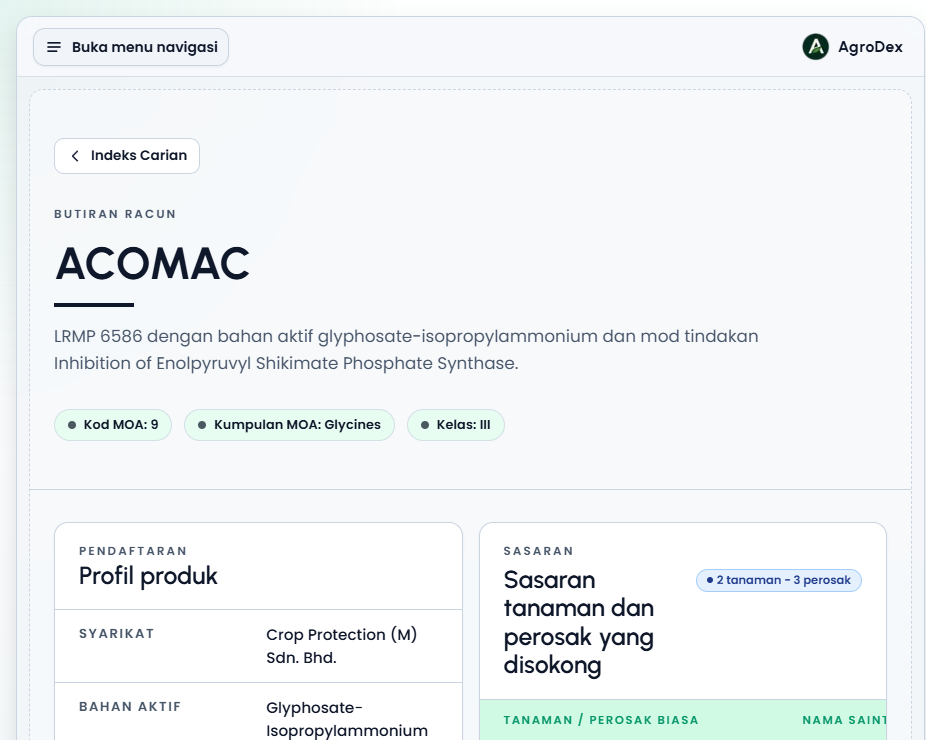
If the expiry date has passed or is close, an Tamat tempoh or Akan tamat tempoh label appears next to the date. Check that status before buying old stock.
The MOA Relationship Map shows how several products share a mode of action. It is the most useful tool for planning spray rounds so that pests do not become resistant.
/map (the round Peta Hubungan button at the bottom right also leads there).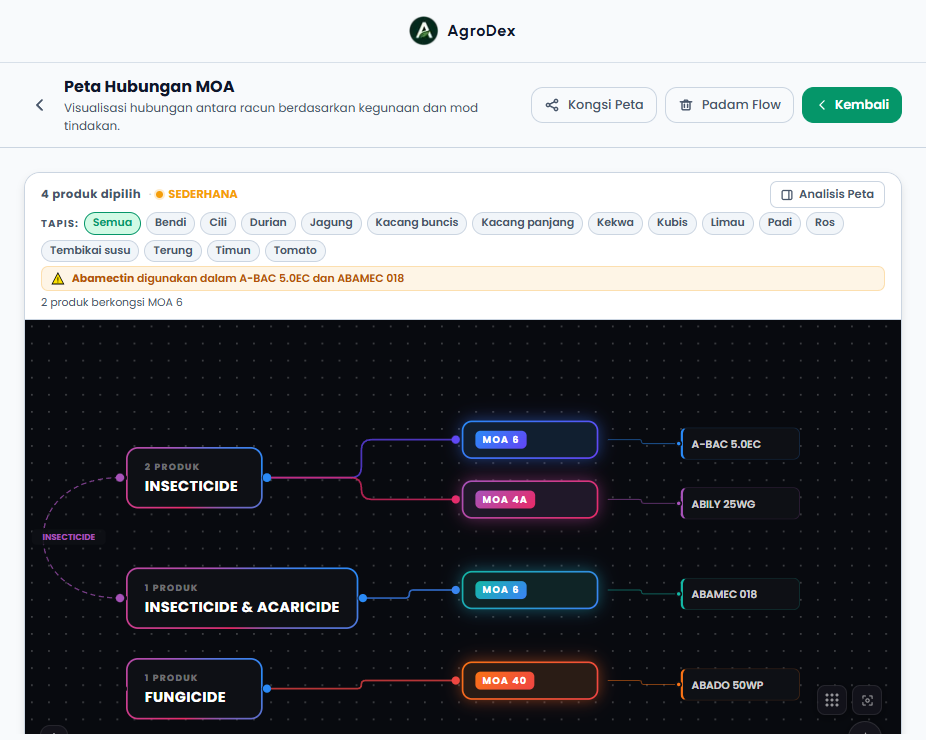
The map builds three layers of nodes: usage on the left, MOA groups in the middle, and products on the right. When two products share the same MOA code, a warning appears above the canvas, for example "2 produk berkongsi MOA 6".
Phone view:
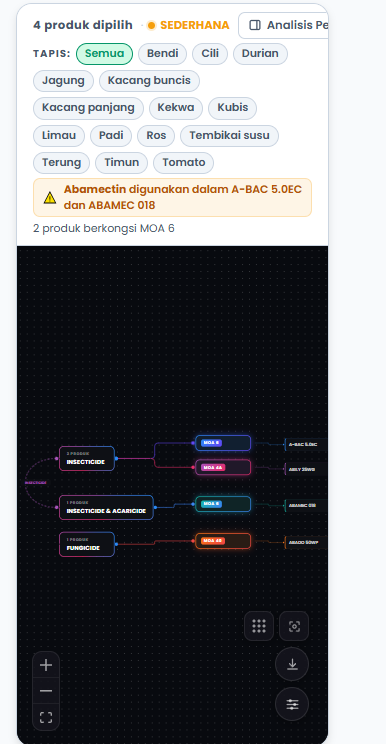
Important: the same MOA code means the pest faces the same pressure again and again. Switch MOA groups on the next spray round. The Analisis Peta panel suggests a round order for you.
| Feature | When to use it | Where |
|---|---|---|
| MOA index | Look up MOA codes, groups, and active ingredients | /moa |
| By growth stage | Find products for a crop growth stage | Ikut Fasa Tanaman tab on /search |
| Map analysis | Check resistance risk and spray round suggestions | Analisis Peta panel on /map |
See the Pesticide Search & MOA FAQ, or send feedback through the feedback button in the app.
Next guide: Pesticide Search & MOA Guide